A SESSION WITH AURA
From vocals
to master.
A suggested walkthrough to understand where each tool fits. Use only the steps your song needs.
01
Aura Voxzi
Prepare the vocal
Listen to the recording before adding effects. Adjust the input level to preserve headroom and identify what you want to improve.
Try Voz suave as a starting point. Adapt compression to the performance before adding brightness or space.
Explore the plugin and its preset ↗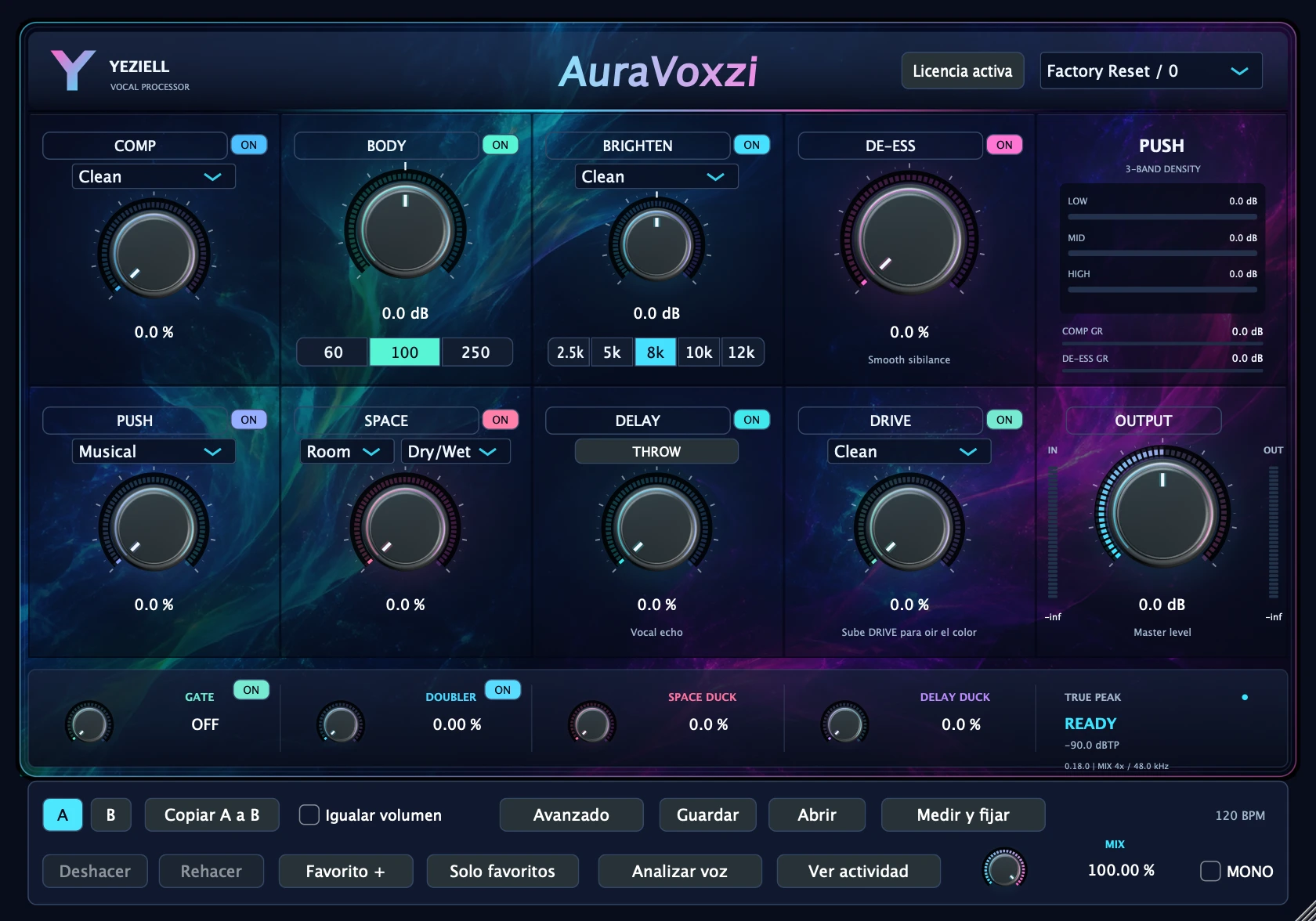
02
Aura EQ Pro
Shape the tone
With the vocal in the song, identify frequencies that build up or need presence. Avoid making corrections based only on solo listening.
Try Clean Lead. Review the low-mid cut and adapt the dynamic band thresholds.
Explore the plugin and its preset ↗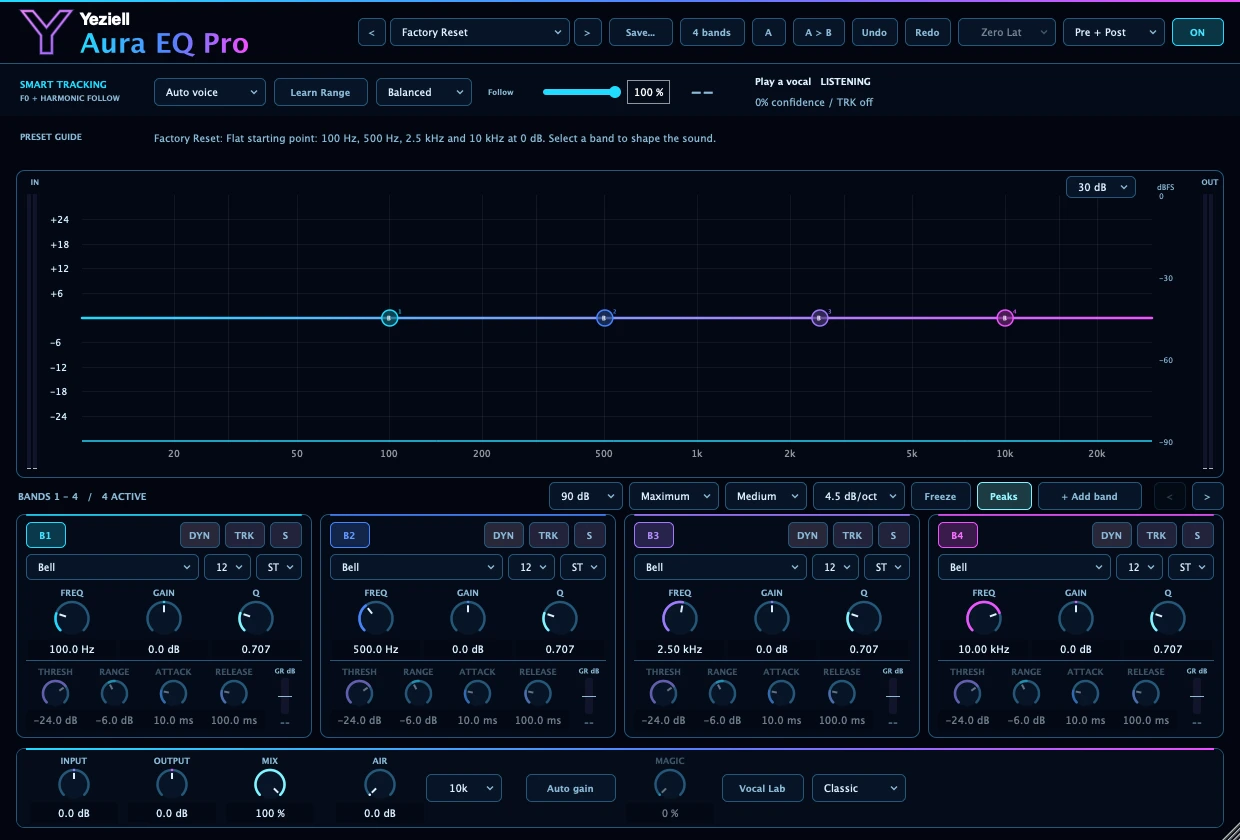
03
AuraComp Pro
Review the dynamics
For more specific control, try AuraComp Pro. Compare it with Voxzi’s processing to decide which tool helps the recording.
Start with Vocal Natural. Adjust Compression and timing; avoid stacking compression out of habit.
Explore the plugin and its preset ↗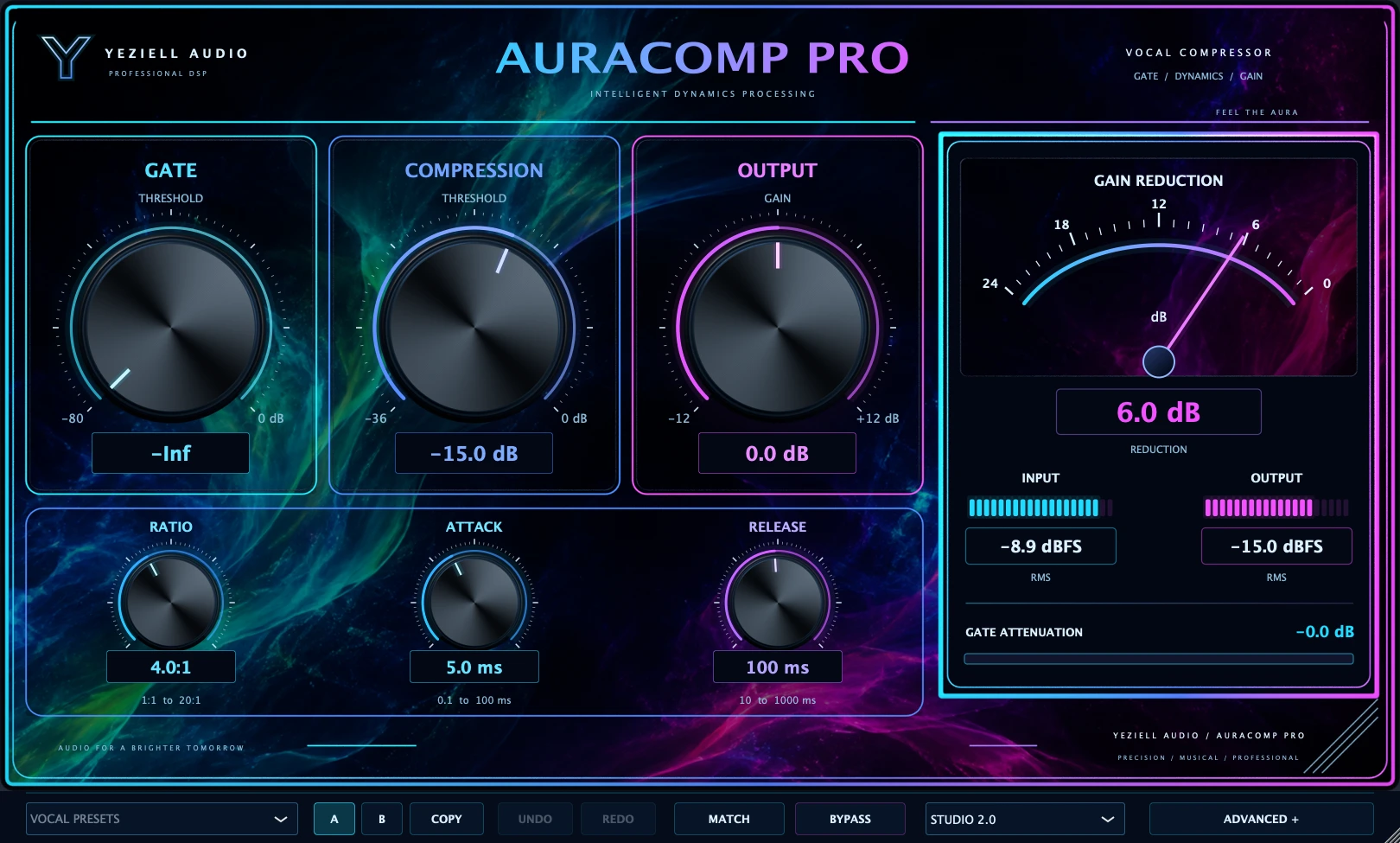
04
Aura Cosmic Verb
Build the space
Create a reverb return in your DAW and send part of the vocal to it. Adjust the effect while listening to the complete mix.
Use Vocal Natural as a reference. Check Dry/Wet on the return and control the amount with the send.
Explore the plugin and its preset ↗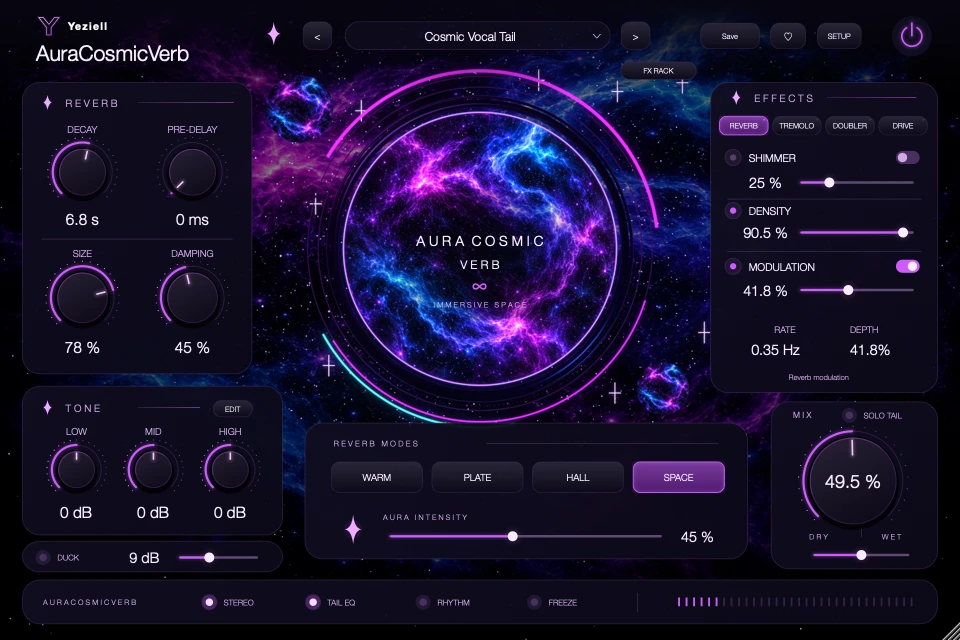
05
LevelUp
Look at the complete mix
Review stereo balance, punch and loudness. Compare at a similar volume and listen in mono too.
Try Premaster suave with the final REF stage disabled. Preserve headroom before working on the final level.
Explore the plugin and its preset ↗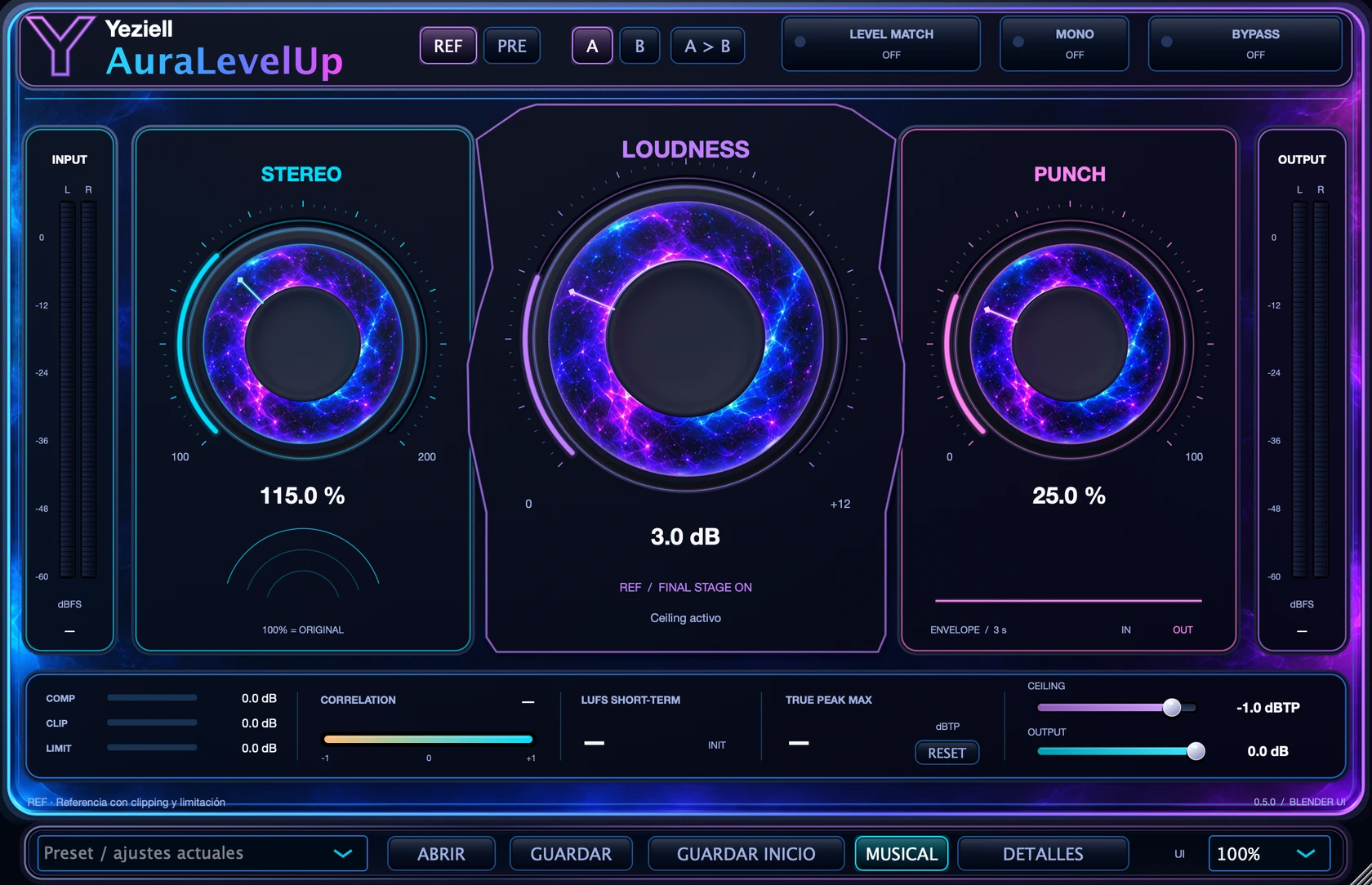
06
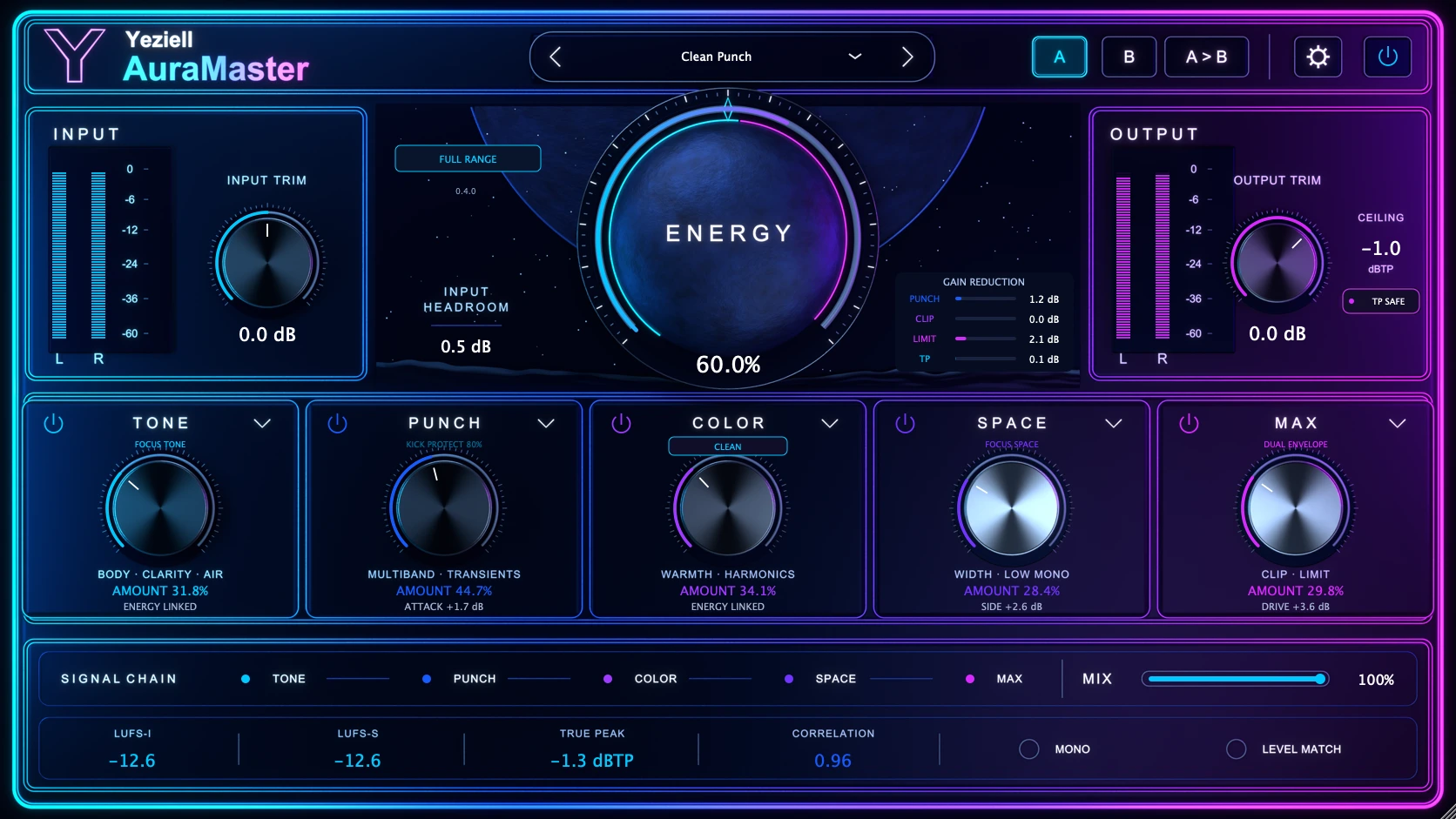
AuraMaster
Work on the master
Open AuraMaster in a copy of the session or in a separate stage. Start with moderate amounts and listen to each module.
Explore Clean Punch. Adjust Energy, compare with Level Match and check true peak before exporting.
Explore the plugin and its preset ↗